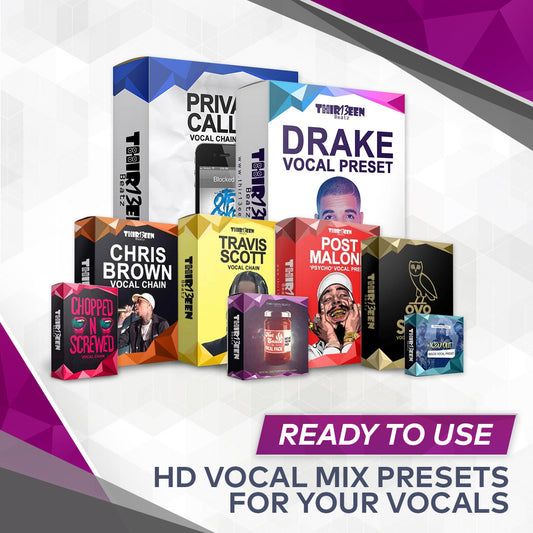
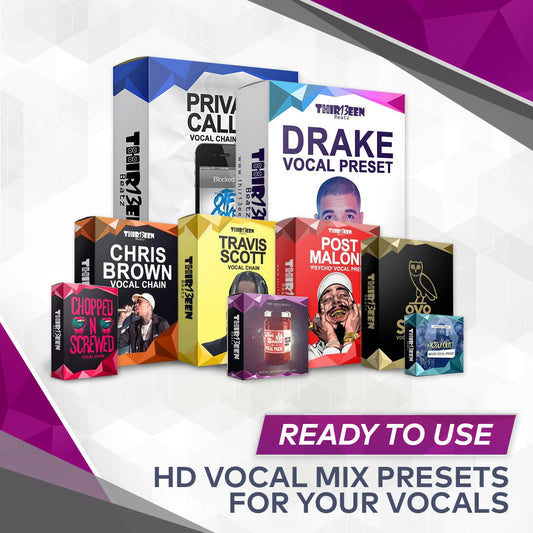
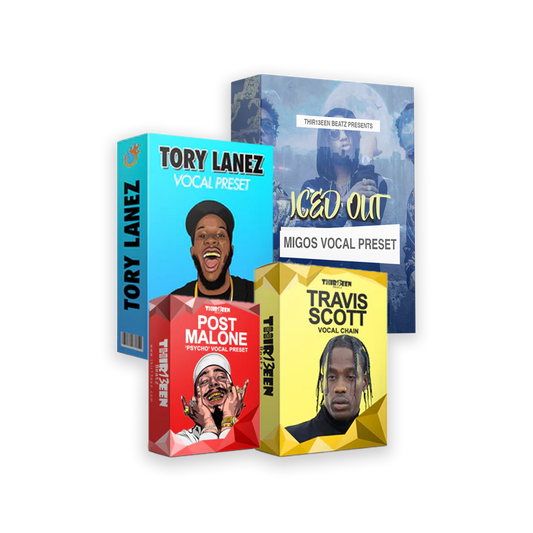
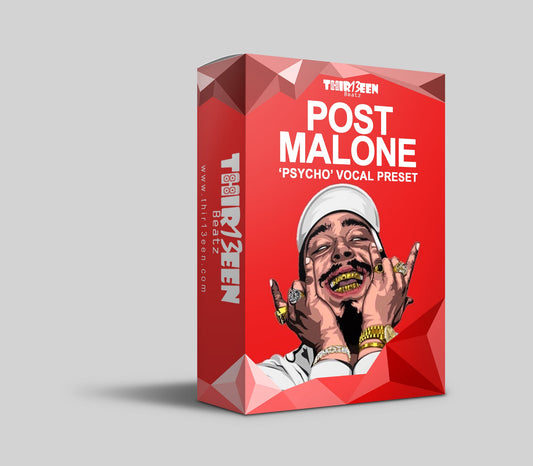
Quick answer: The best GarageBand vocal presets depend on your style and budget. GarageBand's own Library vocal patches are free and fine for demos. Our GarageBand Starter Pack ($19) bundles three best sellers. The Vocal Preset Mega Bundle for GarageBand ($49) covers every style we sell. Single-style presets cost $10 each, and free options exist for learning.
This page is part of our complete GarageBand vocals guide, which walks through recording, the vocal chain, presets and mixing in one place.
A GarageBand vocal preset, also called a patch, stores a chain of effects for a vocal track: EQ, compression, pitch correction, reverb and echo. You load it, record and adjust. This page compares your options by price and style. For install steps, read GarageBand vocal presets: how to install and use them.
Your options at a glance
| Option | Cost | Best for |
|---|---|---|
| GarageBand's built-in vocal patches | Included | Quick demos and learning |
| Free preset downloads | Free | Learning how a chain is built. See free vocal presets. |
| Single-style presets | $10 each | One specific sound |
| GarageBand Starter Pack | $19 | Three popular styles in one |
| Bundles | $20 to $25 | A set built around a genre or purpose |
| Vocal Preset Mega Bundle | $49 | Every style, one purchase |
Prices are what the store showed when this page was updated.
Pick by style
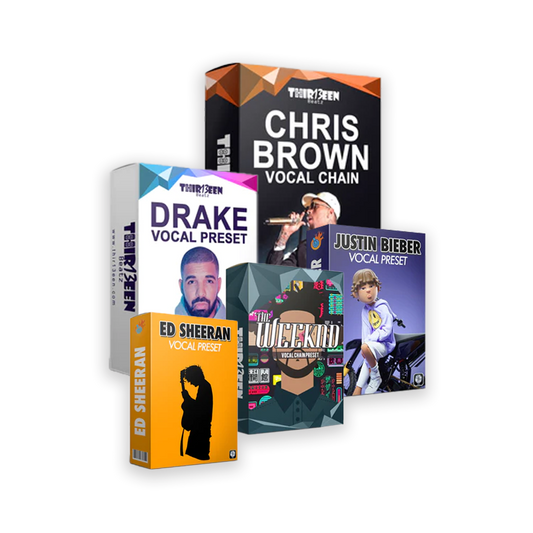
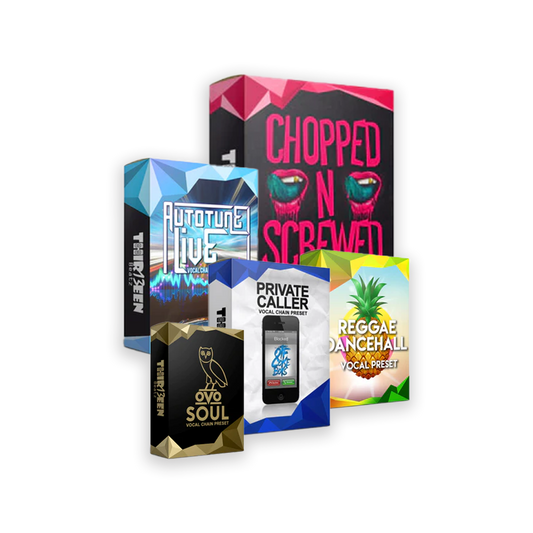
- Warm, moody R&B and melodic rap: OVO Soul preset. See Drake-style vocals.
- Moody pop and R&B: The Weeknd-style preset.
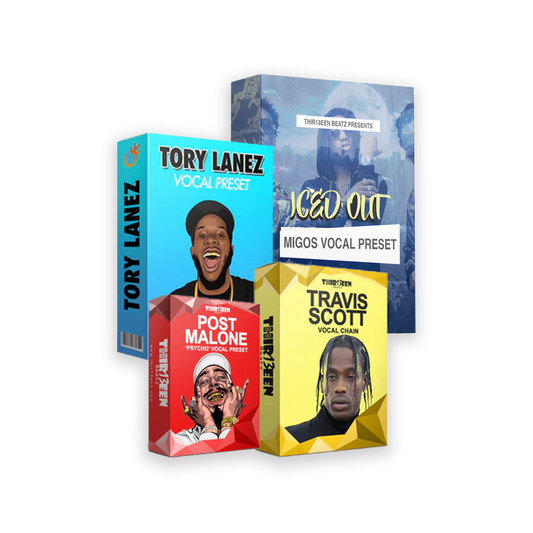
- Hard-tuned and spacey: Travis Scott-style preset and the Auto-Tune vocal preset.
- Smooth R&B: the Dynamic R&B preset.
- Pop and acoustic: Ed Sheeran-style and Justin Bieber-style.
- Reggae and dancehall: the Reggae Dancehall preset.
- Effects: Chopped and Screwed, Cellphone Effect and the Vocal Effects Variety Pack.
Style names describe a sound. Thir13een is not affiliated with any artist named on this page. Browse all styles in vocal sounds by artist and style.
What to check before you buy
- Is it made for GarageBand? Logic Pro presets do not load in GarageBand. Choose the GarageBand version.
- Which devices? Our product pages state what each preset supports. Check them for Mac and iPad support before buying.
- Does it use only built-in effects? Ours do, so you do not need extra plug-ins.
- Does it come with setup steps? You should get install instructions.
Get the most from any preset
- Set your input gain first, so peaks sit near -6 dB.
- Adjust the compressor so it reacts to your voice.
- Lower the reverb and echo if the words get lost.
- Follow how to mix vocals in GarageBand for the rest of the mix.
Frequently asked questions
What is the best vocal preset for GarageBand?
Pick by style. For a first purchase, the Starter Pack gives three popular sounds for $19.
Are there free GarageBand vocal presets?
GarageBand includes built-in vocal patches. For more, see our free vocal presets guide.
Do GarageBand presets work on iPhone?
Check each product page for the devices it supports. Our guide covers Mac installation.
Can I use Logic Pro presets in GarageBand?
No. Use the GarageBand version of the preset.
Will a preset fix a bad recording?
No. It helps a good recording sound better. Record in a quiet room at a healthy level.
Back to the full guide: GarageBand vocals, from recording to mixing. Related: GarageBand Tips and Tricks and The Best Free GarageBand Plugins (AU, Mac).