Last updated: October 26, 2026.
Part of Learn: see all Artist Sounds guides
Quick answer: This page lists our guides to vocal sounds by artist style and genre, each with Logic Pro and GarageBand settings you can use as starting points. Pick the sound you are after, read the guide, then try the matching preset or build the chain yourself. Style names describe a sound only. Thir13een is not affiliated with any artist named here.
Every famous vocal sound is a short list of choices: how close the mic is, how hard the compression works, whether the pitch correction is hidden or obvious, how bright the top end is, and what the reverb and delay do between the words. Our artist guides pull those choices apart one by one, so you can copy the idea and not just the name. Each guide gives starting settings for a Logic Pro chain, then shows what to swap in GarageBand when a plug-in is missing.
New to vocal chains? Read the complete Logic Pro vocals guide or the complete GarageBand vocals guide first. Both explain the basics that every artist sound builds on. Want to try a finished chain before you read? The free vocal presets guide shows where to start.
In this guide
- How to pick the sound that fits your voice
- Hip-hop and trap
- R&B and pop
- Singer-songwriter and rock
- World and effect sounds
- More artist-style and rap-voice tutorials
- Foundations for every sound
- Get the presets

How to pick the sound that fits your voice
| If your voice is... | Start with | Why |
|---|---|---|
| Rapped or half-sung, with ad-libs | Hip-hop and trap guides | They cover tight compression, doubled ad-libs and delay on line ends. |
| Sung, smooth, with long notes | R&B and pop guides | They cover air, stacks and polish. |
| Acoustic, close and natural | Singer-songwriter guides | They keep dynamics and use light processing. |
| Looking for a special effect | World and effect sounds | They cover delay throws, slowed speed and band-pass filters. |
Hip-hop and trap
- Drake-style vocals: a close, warm and tidy vocal. Includes the free Toronto Warmth preset and the OVO Soul preset.
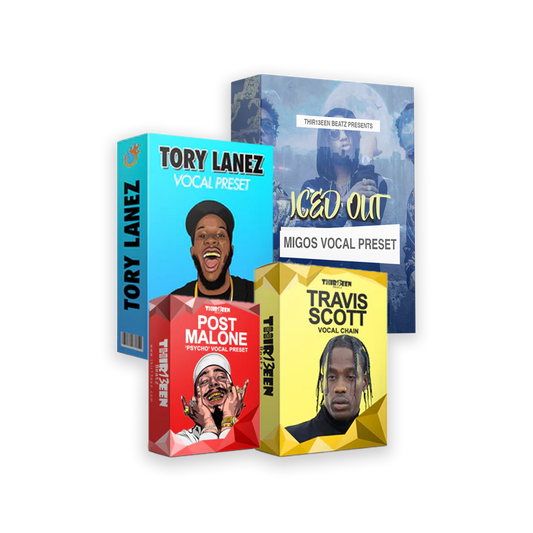
- Travis Scott-style vocals: hard pitch correction, layered ad-libs and wide effects.
- Migos-style vocals: tight compression, triplet delay and doubled ad-libs.
- Tory Lanez-style vocals: a chain that works both for singing and for rapping.
- How to mix rap vocals in Logic Pro: the general method behind all of the above.
R&B and pop
- The Weeknd-style vocals: airy, bright and moody.
- Chris Brown-style vocals: bright, smooth R&B mixing in three steps.
- Justin Bieber-style vocals: polished pop with air and chorus stacks.
- Radio-ready pop vocals: the standard pro chain and a reference-track method.
Singer-songwriter and rock
- Ed Sheeran-style vocals: close, natural acoustic pop with harmony stacks.
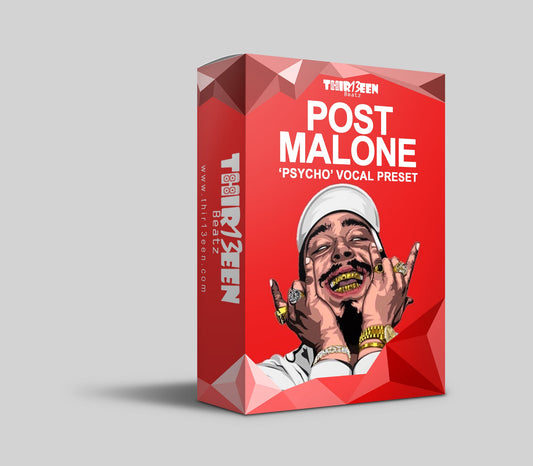
- Post Malone-style vocals: melody first, with a little grit.
World and effect sounds
- Reggae and dancehall vocals: warm mids and dub delay throws.
- Chopped and screwed vocals: slowed, pitched down and chopped, with a speed-to-pitch table.
- Phone effect vocals: band-pass EQ, distortion and heavy compression.
- Auto-Tune in Logic Pro: Pitch Correction and Flex Pitch, from natural to robotic.
- Auto-Tune in GarageBand: what GarageBand offers and what it does not.
More artist-style and rap-voice tutorials
Older tutorials and background pages, listed so none is a dead end. Each describes a sound in the "-style" sense only.
- Singing like Chris Brown: a 30-day practice plan: the singing side of the R&B sound
- Chris Brown-style vocal preset for Logic Pro X: a short preset overview
- Chris Brown-style vocal recording tutorial in Logic Pro: recording steps
- Chris Brown-style tempo vocals in Logic Pro: recording and mixing
- Chris Brown-style "Heat" vocal recording in Logic Pro: one track, step by step
- Chris Brown and Drake-style vocal tutorial in Logic Pro X: two sounds, one session
- Drake-style vocal recording video in Logic Pro: a video walk-through
- Drake-style "In My Feelings" vocal recording: a track-based tutorial
- Lil Baby-style vocal effect: a trap vocal effect
- G-Unit-style vocal presets for rap in Logic Pro X: a retro hip-hop sound
- Chingy-style vocal recording in Logic Pro: an early-2000s rap sound
- Koffee-style vocal tutorial in Logic Pro X: a dancehall-pop sound
- Khalid-style vocal tutorial in Logic Pro: a smooth R&B sound
- Post Malone-style "Psycho" vocal effect in Logic Pro: one track, step by step
- How to make a sweet R&B vocal chorus hook in Logic Pro: hooks and stacks
- Trap beat and R&B vocals in Logic Pro: a short walk-through
- Tory Lanez-style beats, presets and insights: a content hub
- Tory Lanez: an artistic journey: background on the artist
- In the studio with Tory Lanez: a behind-the-scenes look
- How to find your rap voice: a five-step exercise
- How to build a rap persona: image and style in five steps
Foundations for every sound
- Logic Pro vocal chain, step by step: the order of plug-ins.
- How to mix vocals in GarageBand: the five-step mix.
- Vocal EQ cheat sheet: what each frequency range does.
- Reverb and delay settings cheat sheet: times and feedback by style.
- Logic Pro vs GarageBand for vocals: which program fits.
Get the presets
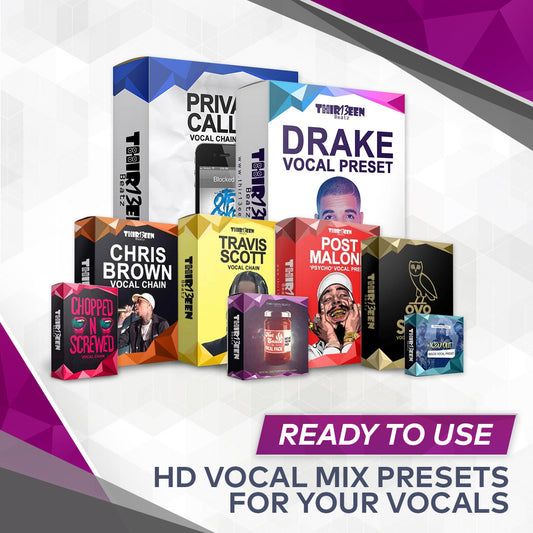
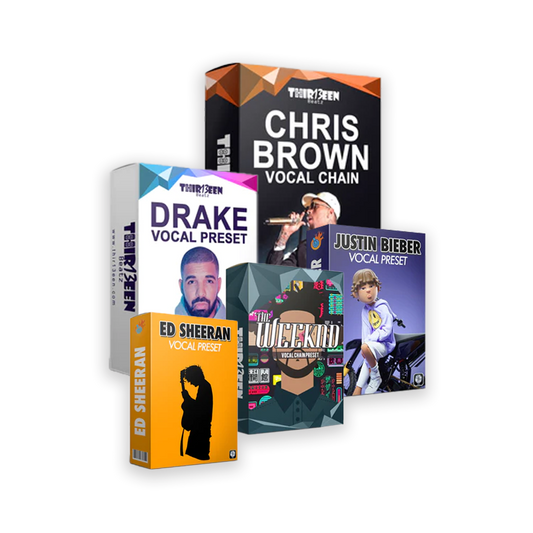
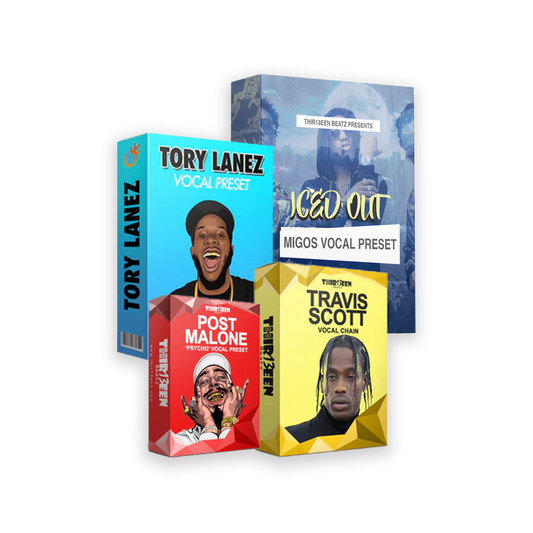
Every sound above has a matching preset or a close relative. Start free with the Toronto Warmth preset for Logic Pro X. Compare the Logic Pro Starter Pack and the GarageBand Starter Pack, or browse the Logic Pro vocal presets and GarageBand vocal presets collections.
Thir13een is not affiliated with, endorsed by or connected to any artist named on this page. Artist names with "-style" describe sounds we aim to approximate, nothing more.